

Equipment rental
Hybrid Event Equipment Rental
Equipment that puts the room into Zoom, MS Teams or Webex and brings the remote speakers back into it, so both audiences follow the same event at the same time.
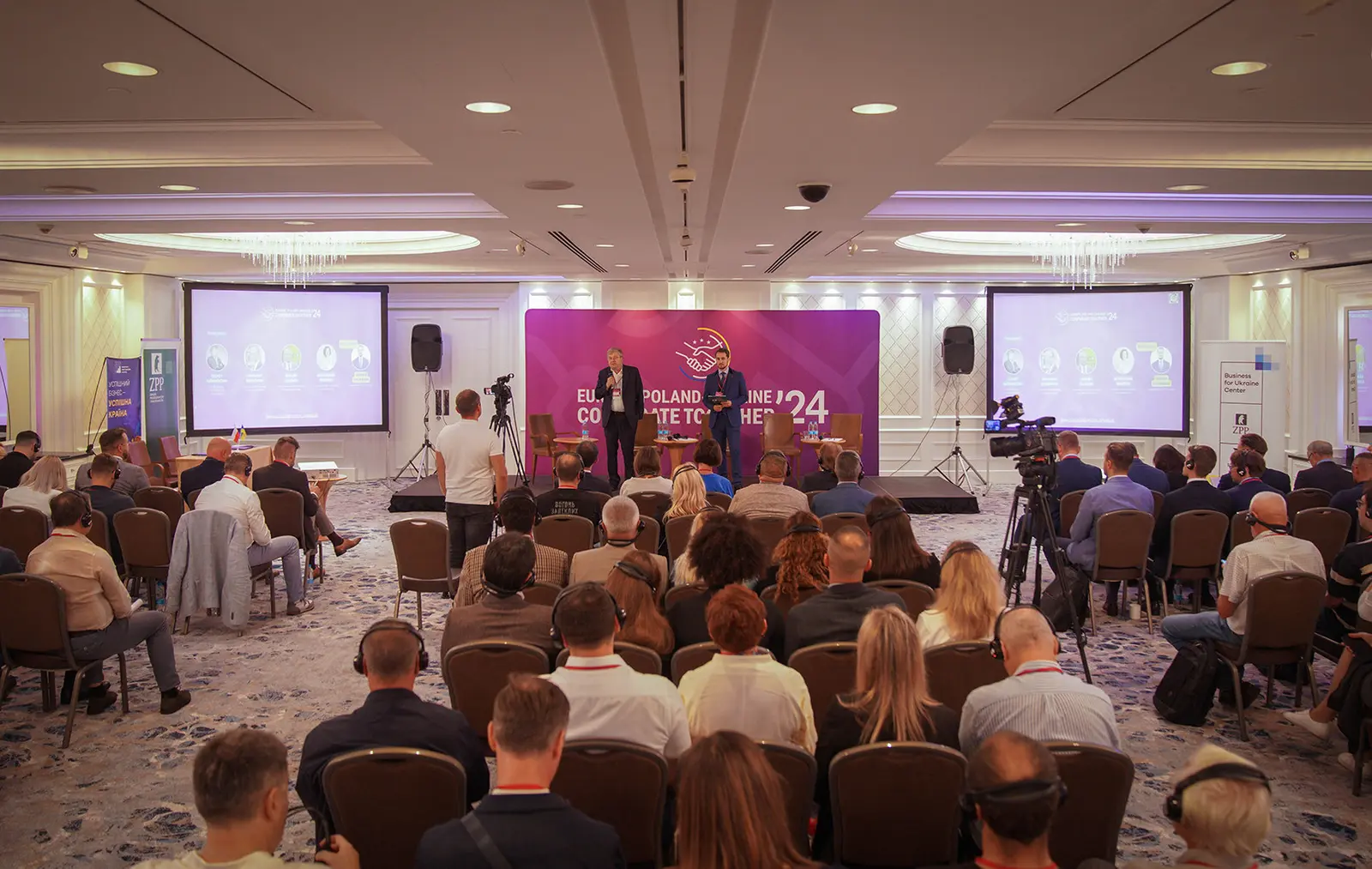
- 01Zoom, Teams, Webex
- 02Two-way return path
- 03Streaming to social platforms
What a hybrid setup includes
- A laptop as the control point for the meeting, the stream and the switching.
- Audio interfaces and sound cards, so the platform receives the room's own microphones instead of a laptop's built-in one.
- Webcams on tripods for a stable, framed view of the speaker and the room.
- Professional cameras where the picture is part of the message, for presentations and demonstrations.
- Video switchers to move between camera, presentation and remote speaker without a visible gap.
The part that usually goes wrong
In most failed hybrid events the picture is fine and the sound is not: the room cannot hear the remote speaker, or the remote participants hear an echo of themselves. Both come from audio being connected as an afterthought.
We connect the platform to the room's sound system in both directions and check it before the session, with the microphones and the hall you will actually use.
Together with interpretation
- Remote participants need to choose their language channel too, not only the participants in the room.
- Interpreters need to hear the remote speakers as clearly as the ones on stage.
- The stream can carry the interpreted channel to viewers outside the room.
What the online side actually needs
- A clean audio feed taken from the mixing console, not a microphone pointed at a loudspeaker. Remote participants drop off because of sound long before they drop off because of picture.
- Camera framing that survives a speaker who moves, and a second angle when the format has a panel.
- An encoder and an uplink that are planned for the venue, since house internet is the part of a hybrid event that is least under anyone's control.
- Return audio, so a remote speaker can hear the room and the questions put to them.
- A screen and sound in the room for the remote side, because a hybrid event has two audiences and both have to be able to follow it.
Two audiences at the same time
A hybrid event is not a normal event with a camera added. The room and the stream need different things, and the conflicts are practical: applause that carries in the hall is noise in the stream, a slide that reads from the third row does not read in a browser window, and a question asked without a microphone does not exist online at all.
That is why the microphone discipline matters more than in a room-only event, and why the stream is built from the same audio chain rather than beside it. When interpretation runs as well, each language can be carried to the remote audience as its own channel, and that decision is made when the system is planned, not on the day.
Questions organisers ask
Questions organisers ask
Other equipment
Request a quote
Tell us about the event
Three answers are enough to start. We come back with a quote that lists the equipment line by line, not a price range.